What V3 Onion Links Are
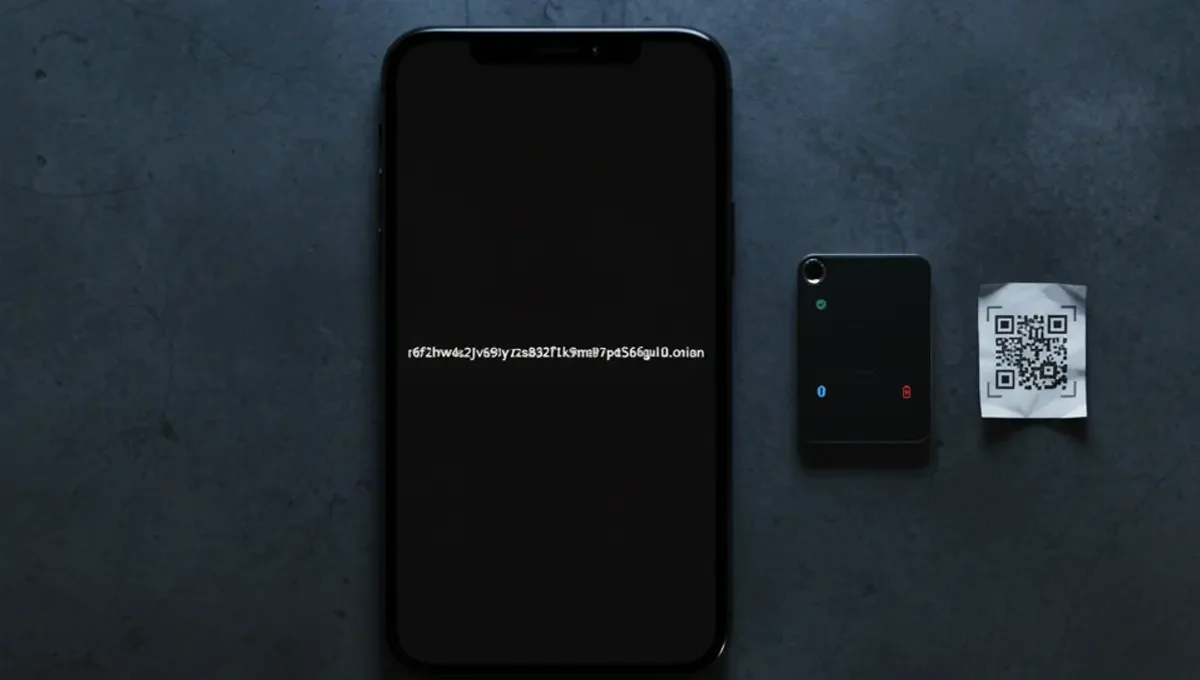
V3 onion addresses are 56-character identifiers that route to hidden services on the Tor network. The older V2 format used 16 characters; V3 uses 56, making addresses much longer but far more secure. Each V3 address is derived from a 32-byte public key using modern cryptography, whereas V2 relied on weaker algorithms that security researchers had begun to crack.
When you visit a V3 .onion address in Tor Browser, you are connecting directly to a hidden service without revealing your IP address. The address itself is not a domain name registered anywhere; it is a cryptographic identifier that only the service operator can generate and control. This means no central authority can issue a fake V3 address for a service you do not own, unlike traditional domains where registrars can be compromised or deceived.
V2 to V3 Migration and Timeline
The Tor Project deprecated V2 onion services in 2020 and shut down support for them in October 2021. This was a deliberate security upgrade: V2 addresses were vulnerable to cryptographic attacks that could theoretically allow an attacker to generate a valid address for someone else's service. V3 addresses use stronger elliptic-curve cryptography that makes such attacks computationally infeasible.
Many Tor directory links and services migrated to V3 addresses over the following years. Some services published both V2 and V3 addresses during a transition period, but V2 no longer works in current versions of Tor Browser. If you find a V2 address in an old bookmark or guide, it will not connect. This shift affected every major Tor service, from news sites to forums, forcing users to update their bookmarks and learn the new format.
How to Identify a Real V3 Address
A genuine V3 onion address has these characteristics:
- It is exactly 56 characters long, followed by .onion
- It contains only lowercase letters and numbers (no uppercase)
- It does not contain the letters i, o, l, or 1 to avoid confusion
- It is derived from the service operator's private key and cannot be guessed or generated by anyone else
Phishing clones often use similar-looking addresses with slight variations, relying on users not checking carefully. For example, a clone might use a V3 address that looks almost identical but differs by one or two characters. The only way to verify you have the correct address is to check it against a PGP-signed announcement from the service operator themselves, or against the official Tor directory links maintained by the service.
Never rely on search results, forum posts or third-party mirrors to find a V3 address. Always go to the official source: the service's own website, a PGP-signed statement, or a trusted announcement channel.
Why V3 Links Matter for Your Security
V3 onion links protect you in two ways. First, they prevent attackers from impersonating a service by generating a fake address. With V2, an attacker with enough computing power could theoretically create a valid V2 address for a service they did not own. V3's cryptography makes this attack so expensive that it is not a realistic threat.
Second, V3 addresses are harder to censor. Because the address is cryptographically tied to the service's key, there is no single point of failure like a domain registrar. A government or ISP cannot revoke a V3 address or redirect it elsewhere. This is why news organizations, human rights groups and privacy advocates use V3 addresses to publish information from countries with heavy censorship.
For ordinary users, this means you can trust that a V3 address you verify once will always lead to the same service, and that no intermediary can intercept or redirect your connection without your knowledge.
Common Mistakes When Using V3 Links
Many users make preventable errors when accessing Tor links v3:
- Typing the address from memory instead of copying and pasting it
- Trusting a V3 address from an unverified source, even if it looks legitimate
- Not checking that Tor Browser is fully updated before visiting a new address
- Assuming that a V3 address is safe just because it is longer than V2
- Visiting a V3 address without disabling JavaScript in Tor Browser, which can leak your real IP
The strongest protection is to bookmark verified V3 addresses and use them consistently. If you need to find a new address, use only official channels: PGP-signed announcements, the service's own website (accessed via a known V3 link), or trusted community resources that publish signed address lists.
Reality Check: How Phishing and Clones Still Work
Even though V3 addresses are cryptographically secure, phishing remains the biggest threat. An attacker cannot generate a fake V3 address for a service they do not own, but they can create their own V3 address for a clone service that looks and behaves like the real one. The clone runs on different infrastructure, collects data from users, and disappears after a few weeks or months.
According to security-vendor incident reports on onion services, phishing clones typically spread through search results, forum posts, and social media. A user searches for a service, finds a clone address in the results, and enters their credentials or data. The attacker then uses that information to compromise the user's accounts elsewhere.
The Tor Project documentation emphasizes that users must verify addresses through official channels, not search engines. Law-enforcement press releases on darknet seizures often mention that users were deceived by clones before the real service was taken offline. This pattern shows that even experienced users can be fooled if they do not take verification seriously.
Verifying V3 Addresses: A Practical Checklist
Before you use a V3 onion link, follow these steps:
- Find the address from an official source: the service's own website, a PGP-signed announcement, or a trusted directory
- Copy the full 56-character address and paste it into Tor Browser's address bar (do not type it)
- Check that Tor Browser connects and the page loads
- Look for security indicators: a valid HTTPS certificate (shown in the address bar), consistent branding, and any official verification message
- If the service publishes a PGP key, verify the signature on any important announcements
- Bookmark the address immediately so you do not have to search for it again
- If you find the same service listed under multiple V3 addresses, treat all but the official one as clones
This process takes two minutes and eliminates most phishing risks. Many users skip it because they assume a V3 address is inherently safe, but the address format is only one layer of security.
Moving Forward: Using V3 Links Safely
V3 onion links represent a genuine security improvement over V2, but they are not a complete solution to phishing and social engineering. The strength of V3 is that it prevents attackers from impersonating a service through cryptographic forgery. The weakness is that it does not stop attackers from creating convincing clones.
Your job is to verify addresses once, bookmark them, and use the bookmarks consistently. If you need to find a new address, use only official channels and check the signature if one is provided. Keep Tor Browser updated so you benefit from the latest security patches. When you see a V3 address in a forum post or search result, treat it as unverified until you confirm it through an official source.
Start today by auditing your Tor bookmarks. If you have any V2 addresses, they will no longer work; replace them with the V3 equivalents from official sources. If you have V3 addresses from unverified sources, re-verify them now. This small investment in verification will protect you from the most common attack vector on the Tor network.
Frequently asked questions
What is the difference between V2 and V3 tor links
V2 onion addresses are 16 characters long and use older cryptography; V3 addresses are 56 characters and use modern elliptic-curve cryptography. V2 was deprecated in 2020 and no longer works in current Tor Browser. V3 is more secure against cryptographic attacks and cannot be forged by an attacker.
How do I know if a V3 onion address is real
Verify the address through an official source: the service's own website, a PGP-signed announcement, or a trusted directory. Copy and paste the full 56-character address into Tor Browser. Check for HTTPS and official branding. Never trust an address from a search result or forum post alone.
Can someone create a fake V3 address for a service they do not own
No. V3 addresses are derived from the service operator's private key using strong cryptography. An attacker cannot generate a valid V3 address for a service they do not own. However, they can create their own V3 address for a clone service that mimics the real one.
Why are tor links v3 longer than V2 links
V3 addresses are 56 characters because they are derived from a 32-byte public key using modern cryptography. The extra length provides stronger security against brute-force and cryptographic attacks. V2 used only 16 characters, which was vulnerable to attacks that researchers had begun to demonstrate.
What should I do if I find a V3 tor link in a search result
Treat it as unverified. Search results often include phishing clones. Always verify the address through an official channel before using it. Bookmark verified addresses so you do not have to search for them again.