What Tor Topic Links 2.0 Was
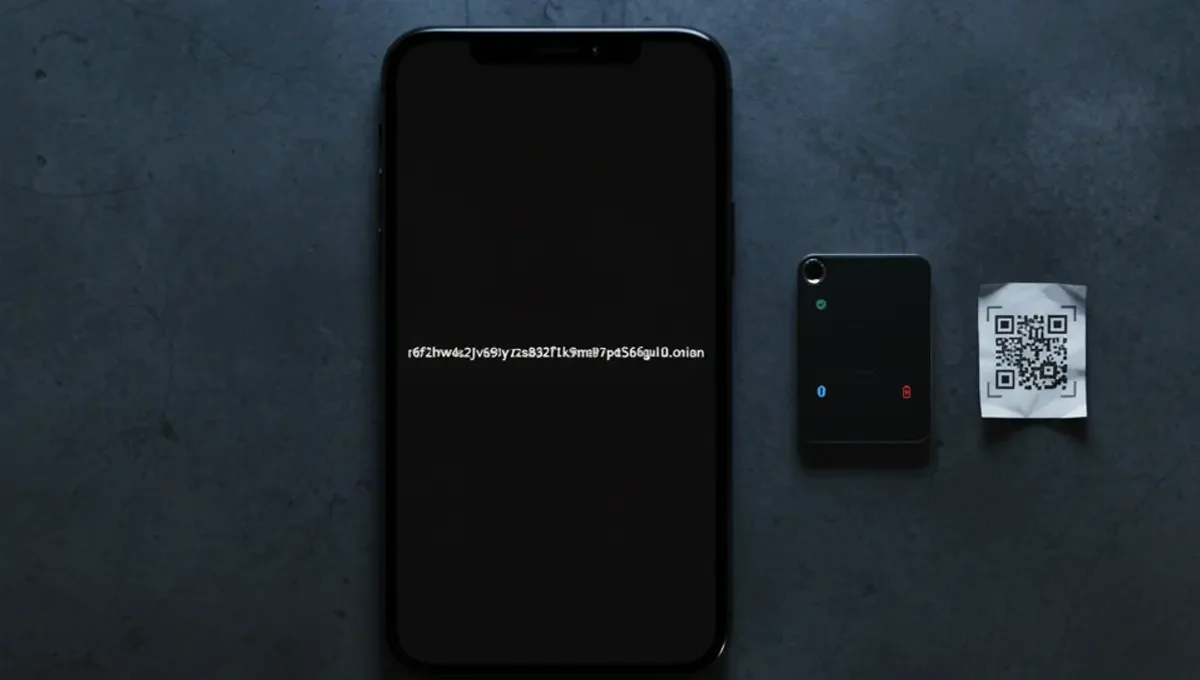
Tor Topic Links 2.0 was a community-maintained directory of onion services, designed to help users find verified links to forums, markets, and information sites on the dark web. Unlike a search engine, it functioned as a curated list with brief descriptions and claimed verification of whether addresses were current or defunct. The directory model emerged because onion addresses are long, random strings of characters, and mirrors or phishing clones often circulate with similar names, making it easy for users to land on fake sites.
The appeal of such directories lay in their attempt to solve a real problem: how do you know if an .onion address you found is legitimate. Users could cross-reference addresses, read community notes about which sites were seized or had exit-scammed, and avoid obvious traps. However, the directories themselves became targets for impersonation, and the maintenance burden of keeping links current proved unsustainable for volunteer projects.
How Versioning and Fragmentation Happened
When Tor Topic Links 2.0 became outdated or its maintainers went inactive, forks and successor projects emerged, leading to Tor Topic Links 3.0, Tor links 2.2, and other variants. Each claimed to be the updated or improved version, but without a central authority or PGP-signed verification chain, users had no reliable way to know which was legitimate. This fragmentation is typical in decentralized communities: when a resource becomes valuable, multiple actors try to fill the void, and some of those actors are malicious.
The versioning itself became a marketing tool. A directory calling itself "2.0" or "3.0" signals that it is newer and more reliable than the last one, but that claim is often unverified. Tor links v3 and other naming schemes added to the confusion, as they sometimes referred to v3 onion addresses (the newer, longer format introduced by the Tor Project) rather than a directory version at all. This overlap between technical terminology and product naming made it harder for ordinary users to distinguish between a legitimate upgrade and a phishing clone.
Why Directory Links Matter for Safety
Onion directories serve a security function beyond convenience: they create a social proof layer. When multiple independent users report that an address is working or defunct, that consensus carries weight. A directory that tracks which sites have been seized by law enforcement or have exit-scammed provides historical context that helps users avoid repeating others' losses.
However, this same function makes directories targets for manipulation. An attacker can create a fake directory, populate it with real addresses for legitimate sites, and then slip in one or two phishing clones or malware-hosting mirrors. Users who trust the directory's overall reputation may not scrutinize every link. This is why the Tor Project itself recommends that users verify onion addresses through official PGP-signed announcements rather than relying on third-party directories, no matter how well-intentioned.
Reality Layer: How Directories Actually Fail
Three key insights about onion directories come from Tor Project documentation, law-enforcement press releases, and security-vendor incident reports.
First, directories require constant maintenance to remain useful. An address that was valid last month may be seized, exit-scammed, or moved by the time a directory is published. Without real-time verification or a decentralized update mechanism, directories become stale within weeks. This matters because users who rely on a stale directory are more likely to click on outdated mirrors or clones that have taken over the old address.
Second, there is no cryptographic way to verify a directory's authenticity without the directory operator's PGP key and a chain of trust. Many directories do not publish signed versions, making them indistinguishable from fakes. Users cannot tell if they are reading the real Tor Topic Links 2.0 or a convincing imitation hosted on a similar domain.
Third, law enforcement has used directories as intelligence gathering tools. When a directory becomes popular, it attracts the attention of investigators who monitor which sites are listed, how they are described, and who is accessing the directory. This does not mean using a directory is illegal, but it does mean that directories are not private or anonymous in the way some users assume.
How to Verify Onion Addresses Without Relying on Directories
Rather than trusting a single directory, use these steps to verify an onion address independently.
- Check the official website or social media account of the service you want to access; legitimate projects publish their onion address on their clearnet site or official Twitter account.
- Look for a PGP-signed announcement from the project operator; if the signature is valid and matches a key you have seen before, the address is likely legitimate.
- Cross-reference the address across multiple independent sources; if three unrelated sites list the same address, it is more likely to be correct than if only one directory mentions it.
- Use the Tor Browser's built-in security indicators; if a site certificate or security warning appears unusual, do not proceed.
- Ask in trusted Tor communities or forums if you are unsure; experienced users can often confirm whether an address is current or a known phishing clone.
This approach is slower than using a directory, but it is more reliable and does not depend on any single point of failure.
Phishing Clones and Domain Confusion
Phishing clones exploit the directory ecosystem by registering similar .onion addresses or creating fake directories with names like "Tor Topic Links 2.0 Official" or "Tor Directory Links Verified." Users searching for the real directory may land on the fake one, which looks identical but is controlled by an attacker.
The attack works because onion addresses are hard to remember and easy to mistype. A clone might use an address that differs by only one character from the real one, or it might be hosted on a clearnet domain with a similar name. Once a user enters credentials, posts a message, or uploads a file on the clone, the attacker captures that data.
To avoid this, never bookmark an onion address from a directory; instead, verify it each time you visit. Use the Tor Browser's address bar carefully and check that the address matches what you expect. If a directory or forum suddenly looks different or asks you to log in again, close the tab and verify the address before proceeding.
Moving Forward: Safer Alternatives to Directories
The dark web has evolved beyond the era when a single directory could serve as a reliable map. Modern onion services tend to be more self-contained: forums have their own verification systems, markets publish their addresses through official channels, and information sites use PGP-signed announcements.
If you need to find onion services, the safest approach is to start with the Tor Project's official resources, then move to community forums that have been around for years and have strong moderation. Check the Useful Resources page on this site for links to verified starting points. Avoid any directory that promises to be "the most complete" or "the only source you need," as these claims are red flags for either outdated information or malicious intent.
The key takeaway is that no single source can be trusted completely. Verification is a process, not a destination. By combining multiple sources and using PGP signatures whenever possible, you reduce the risk of landing on a phishing clone or accessing a seized service. This approach requires more effort than clicking a link in a directory, but it is the only way to navigate the onion network with confidence.
Frequently asked questions
Is Tor Topic Links 2.0 still online
The status of any specific directory changes frequently. Sites are seized, go offline, or are abandoned by their maintainers. Rather than relying on a single directory, verify onion addresses through official PGP-signed announcements or cross-reference multiple independent sources. Check the Useful Resources page on this site for current verified starting points.
What is the difference between Tor links 2.2 and Tor Topic Links 3.0
These are typically different projects or versions created by different maintainers as older directories became outdated. Without official documentation from the creators, it is difficult to know what changed between versions. Both are third-party directories and carry the same risks of being outdated, phishing clones, or compromised. Verify any address independently rather than trusting the version number.
Can I get deanonymized by using an onion directory
Using a directory itself does not deanonymize you if you access it through Tor Browser. However, directories are monitored by law enforcement and security researchers, so your interest in specific sites may be logged. The real risk is clicking on a phishing clone or malware-hosting mirror, which could compromise your device. Always verify addresses carefully.
Why do onion directories get so many phishing clones
Directories are valuable because users trust them, and that trust is exploitable. An attacker creates a fake directory with a similar name, fills it mostly with real addresses to build credibility, then slips in clones of popular sites. Users who trust the directory's reputation may not scrutinize every link, making phishing clones effective. This is why PGP-signed verification is essential.
How do I know if an onion address is a phishing clone
Compare the address character-by-character against official sources; even one wrong character means it is a different site. Check for PGP-signed announcements from the service operator. Look for signs of poor design, unusual requests for credentials, or messages that seem out of character. If something feels off, close the tab and verify the address from scratch before returning.